

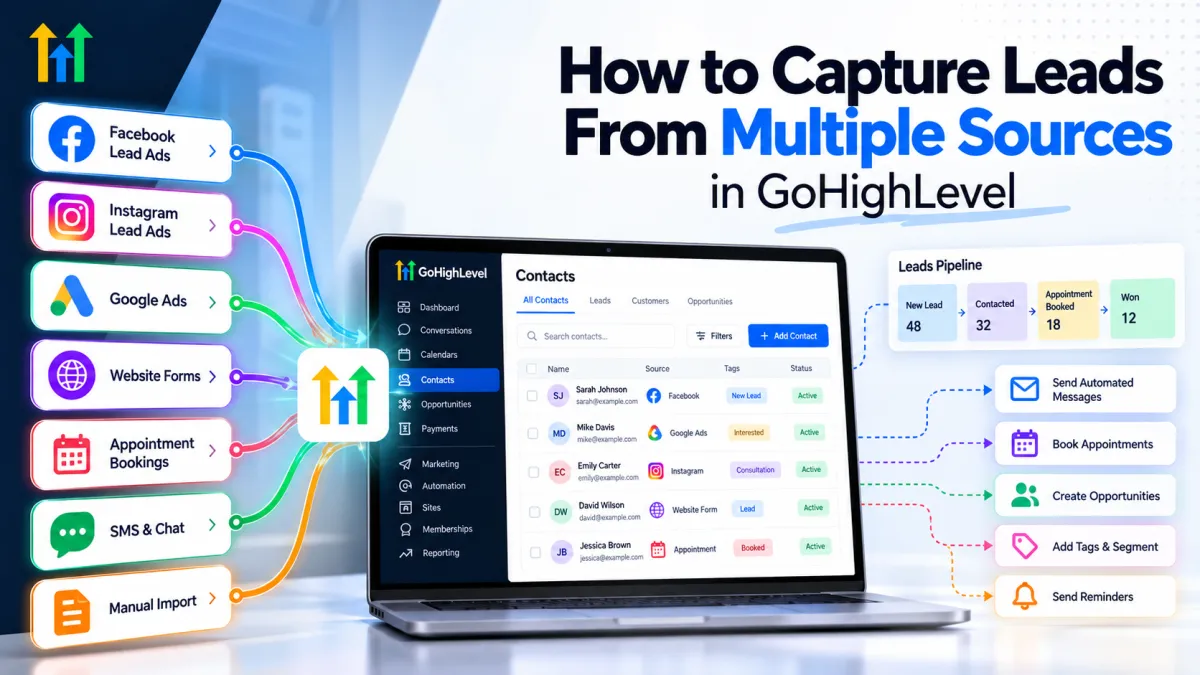
How to Capture Leads From Multiple Sources in GoHighLevel

How to Capture Leads From Multiple Sources in GoHighLevel

How to Capture Leads From Multiple Sources in GoHighLevelWispcode Team
Published on: 07/10/2026

Learn how GoHighLevel can capture leads from Facebook, Instagram, Google Ads, website forms, appointments, SMS, and other sources while organizing follow-up in one CRM.

GoHighLevel lead captureCapture leads in GoHighLevelGoHighLevel lead managementGoHighLevel CRMGoHighLevel automationGoHighLevel workflowsMultiple lead sourcesLead capture automationGoHighLevel formsGoHighLevel Facebook leadsGoHighLevel funnelsGoHighLevel pipelineAutomated lead follow-upCRM lead managementGoHighLevel appointment bookingGoHighLevel lead source tracking
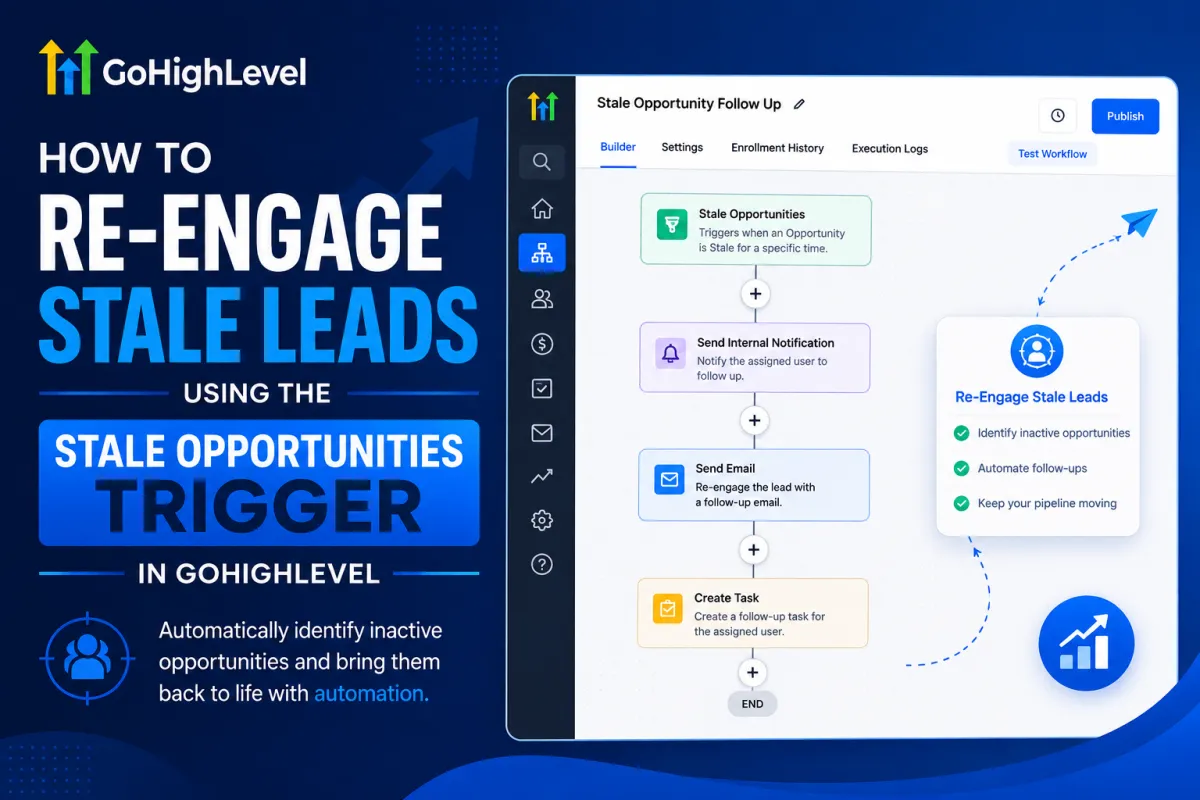
Automate Stale Opportunity Follow-Ups in GoHighLevel

Automate Stale Opportunity Follow-Ups in GoHighLevel

Automate Stale Opportunity Follow-Ups in GoHighLevelWispcode Team
Published on: 13/08/2026

A blue-themed GoHighLevel automation workflow showing how stale opportunities can trigger internal notifications, follow-up emails, and tasks to bring inactive leads back into the sales pipeline.

Stale Opportunities TriggerGoHighLevel stale leadsGoHighLevel stale opportunitiesRe-engage stale leadsGoHighLevel lead re-engagementStale opportunity automationGoHighLevel workflow automationGoHighLevel sales automationAutomated lead follow-upSales pipeline automation

At Wispcode, we deliver pioneering digital engineering strategies that empower businesses to grow with confidence.

Get in touch with us

Email:

Phone:

Hours: 24/7 available

Copyright @2026 Wispcode. All Rights reserved.